
Dreamality Tools
Checklists for badges and shards — built for a story demo, not a simulator.
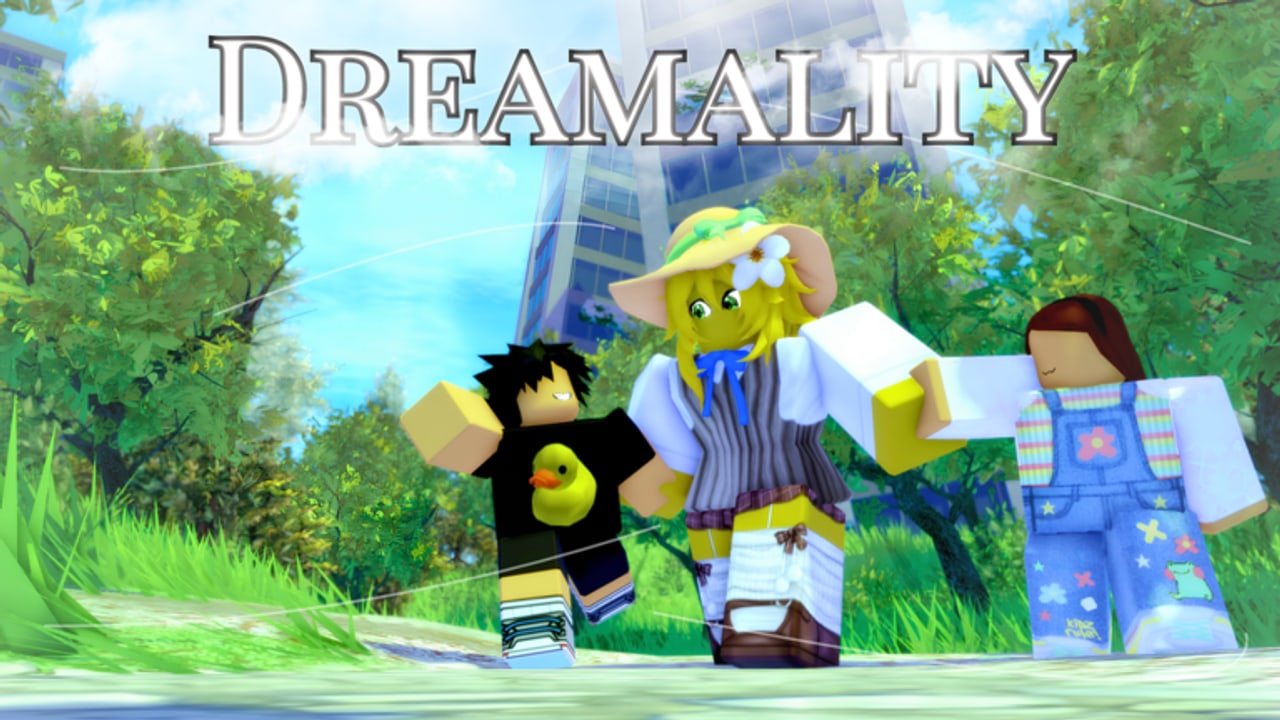
Dreamality does not need a DPS calculator. It needs a list you can keep on a second monitor while you hide behind a park tree. This hub is that list, plus the few trackers that actually help in a Chapter 1 demo.
The main tool is the badge checklist. Use it with the badge guide and the badge tier list. Everything else below is a lightweight companion so you do not open ten tabs.
Badge checklist (summary)
Open the full interactive-style table on badge checklist. The eleven live awards:
- Welcome To Dreamality — join
- nihility lands — visit
- open fields — visit
- headache — story beat
- Sweet Dreams? — demo-before-full-chapter
- Playful — park hide-and-seek
- A Listening Ear — talk a lot
- Blind To The Rain — side route, “Predictable.”
- There’s nothing beyond. — Sub Realm sermon
- its so over… — joke / hidden
- Realism Is Not One — rarest, trigger still community-disputed
Print the list or keep the tab beside the walkthrough. Roblox’s own inventory is easy to miss in a dark apartment.
Shard tracker (manual)
There is no official shard counter in the pause menu that the community can screenshot as a number. Track them yourself:
- Park hide-and-seek shard (tied to Playful) — confirmed by players who finished the kids’ game.
- Remaining shards sit in story rooms. If you are “one short,” you probably skipped a kid or a quiet interact, not a wall clip. See how to get shards.
Tick them on paper. A script ESP will find the mesh and still miss the interact prompt; scripts are the wrong tool here.
Code slot (empty on purpose)
When Frutiger Studios ships a code, paste it using how to redeem. Until then the codes hub table is a single empty row. We will not invent a “code checker” that always returns invalid — that is how fake code sites farm clicks.
School wipe log
If you are learning school, write three lines after each fail:
- Where you were (hall, classroom, stairs)
- Whether an adult NPC saw you
- Whether you had the objective item yet
The school is a stealth-and-search room, not an RNG room. A four-line log beats a twentieth blind sprint. Bring controls if you keep jumping when you meant to crouch-walk on mobile.
What we will not add
- Damage calculators
- Trade values
- Inventory dumpers that require an executor
- “Server hop for shards” — shards are not roll loot
How these tools stay honest
Badge award rates on the checklist page are snapshots, not live APIs. If Welcome To Dreamality jumps by fifty thousand overnight, the rank does not change; it was already C-tier. If a twelfth badge appears, the checklist grows that day and updates gets a line.
Use the tools to finish the demo. Use the guides to understand it. Use Discord if a tool here disagrees with a patch that shipped this afternoon.
Frequently Asked Questions
Quick answers for Dreamality demo players.
Is the badge checklist automatic?
No. Roblox does not give fan sites your badge inventory. Tick the checklist yourself while you play.
Can you add a shard ESP tool?
Not as a first-party tool. ESP is a script feature and it spoils hide-and-seek. Use the shard guide instead.
Why is there no code checker?
There are no active codes. A checker would be a fake button. We will add redeem steps when a real string exists.
Do I need these tools for a first playthrough?
No. Play first. Open the checklist when you are hunting leftovers after the walkthrough.