Dreamality Controls
R6 movement, interact prompts, and platform notes for the Chapter 1 demo.
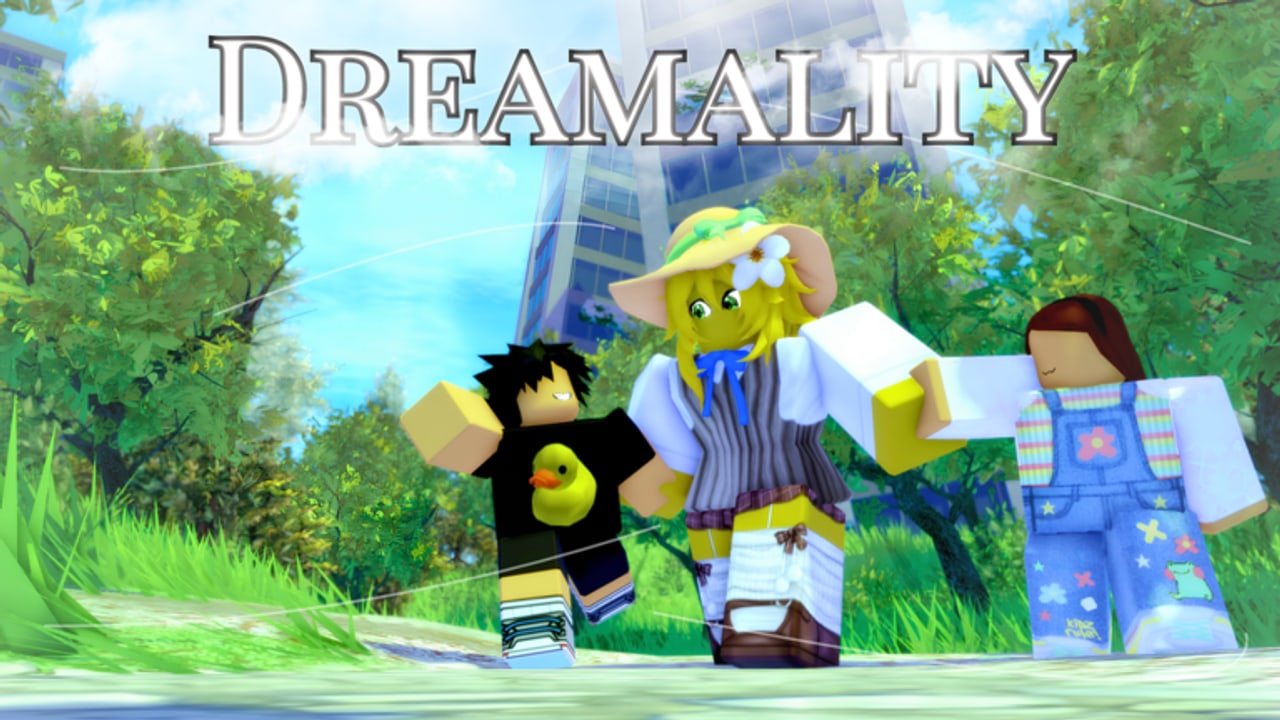
Dreamality uses normal Roblox movement on an R6 body, then asks you to treat that body like a person in a quiet building. If you play it like an obby, the school will catch you. This page is the control sheet for PC, mobile, and console.
The universe forces MorphToR6. Your bundles will not save you. Everyone shares a simple silhouette so cutscenes and the faceless suit read cleanly.
PC
| Action | Default |
|---|---|
| Move | WASD |
| Look | Mouse |
| Jump | Space |
| Interact | E, or click the highlight |
| Sprint | Left Shift if the demo enables it in your build |
| Crouch | Left Ctrl or C if exposed; otherwise walk |
| Shift lock | Shift lock in Roblox settings |
| Menu / leave | Esc |
Turn on shift lock before the school. Peeking a corner with a locked camera is easier than free-mouse drifting into a patrol. Turn it off in the park if you want to look at the sky; the park is allowed to be pretty.
If interact does nothing, you are too far or the prompt is on the other side of the mesh. Walk around the object. Story places love a highlighter that only faces one direction.
Mobile
| Action | Default |
|---|---|
| Move | Left joystick |
| Look | Drag on the right |
| Jump | Jump button |
| Interact | Tap the prompt / tap the prop |
| Sprint | The dynamic thumb button if Roblox shows it |
Mobile fails in Dreamality for two boring reasons:
- The interact billboard hides behind your own R6 head. Rotate until you see the text, then tap.
- The joystick keeps a leftover forward vector when you try to stand still in a hall. Take your thumb off completely before a stealth wait.
Drop graphics one notch if the apartment hitch-steps. Fog is required for mood; frame time is required for school. Lock 30 FPS if you have to pick.
Console
| Action | Typical bind |
|---|---|
| Move | Left stick |
| Look | Right stick |
| Jump | A / Cross |
| Interact | X / Square or the on-screen hint |
| Sprint | Click left stick or R3, depending on the experience |
Watch the on-screen prompt. Frutiger Studios can remap interact per build because the demo is unfinished (updates). If a trailer control layout disagrees with your controller, the live hint wins.
Camera and comfort
- Sensitivity: lower it for school, higher it for fields.
- Field of view: default is fine. Extreme FOV makes fog look like a bug.
- First person: usable in halls; third person is better for hide-and-seek so you can see a kid beside you.
- Headphones: not a control, but the OST and footsteps are how you play. Mute is how you wipe.
Accessibility notes
There is no official colorblind mode documented by the studio. If a shard glint is hard to see, raise brightness slightly and rely on the interact prompt rather than the particle. Do not install a fullbright script as your first fix; it flattens nihility lands.
Roblox’s own experience settings (reduce motion, volume sliders) still apply. Use them. Dreamality has quiet-horror undertones and a faceless figure; if that is too much, take a break in the park. The park is the kindness.
Common “my controls are broken” cases
- I cannot pick up a shard. Camera angle. See shards.
- I cannot talk. You are out of range or you already exhausted the line. Walk away and back for A Listening Ear.
- I keep jumping in school. Unbind extra jump from a controller paddle. Jump is visibility.
- Shift does nothing. Sprint may be disabled in a given demo build. Walk. Walking is the intended school speed.
- My avatar looks wrong. R6 morph. Intended.
Recommended setup for a first clear
PC, shift lock, headphones, graphics at a level that keeps fog, no executor GUI covering the interact prompt. Read getting started, then the walkthrough. If you only change one setting, change the one that stops you from sprinting by accident.
Dreamality is not a mechanical flex. It is a control of your own panic. Bind that.
Frequently Asked Questions
Quick answers for Dreamality demo players.
Does Dreamality support mobile?
Yes. Roblox lists PC, mobile, and console. Mobile interact prompts need camera rotation; details are in the mobile section.
Why did I turn into R6?
The universe uses MorphToR6 so every player shares one silhouette in story scenes.
Is there a crouch button?
If your client shows crouch, use it in school. If not, walking slowly is the fallback. Do not jump.
Can I rebind keys?
Use Roblox’s own keybind settings. The demo does not ship a custom control overlay in the current unfinished build.